Showing posts with label MySQL. Show all posts

Enforcing JDBC clients to use SSL with MySQL Server

1. First you need to enable SSL at both the server and the client as per my previous blog post.

2. There you would have noticed that - even though we enabled SSL at the server end - still the JDBC clients can connect with out using SSL.

3. To enforce SSL for the JDBC connection from the client end - we need to have REQUIRE SSL - in the GRANT statement for the MySQL user associated with the JDBC client.

e.g :

GRANT ALL ON regdb.* TO regadmin@localhost IDENTIFIED BY "regadmin" REQUIRE SSL;

4. Now regadmin user won't be able to connect to the regdb database without a JDBC connection over SSL.
Installing MySQL Community Server and related tools in Apple Mac OS X

1. Download MySQL for MAC OS X from here and install it.

2. To start the MySQL server
$ cd /usr/local/mysql

$ sudo ./bin/mysqld_safe
101226 13:50:26 mysqld_safe Logging to '/usr/local/mysql-5.1.51-osx10.6-x86_64/data/prabath-siriwardenas-MacBook-Pro.local.err'.
101226 13:50:26 mysqld_safe Starting mysqld daemon with databases from /usr/local/mysql-5.1.51-osx10.6-x86_64/data
mysqld_safe is the recommended way to start a mysqld server on Unix and NetWare. mysqld_safe adds some safety features such as restarting the server when an error occurs and logging runtime information to an error log file.

3.Now you can download MySQL GUI tools for Mac OS X from here.

4. Once MySQL GUI tools installed - you can click on MySQL Administrator and login as root with blank password - then go to Accounts and change the root password.

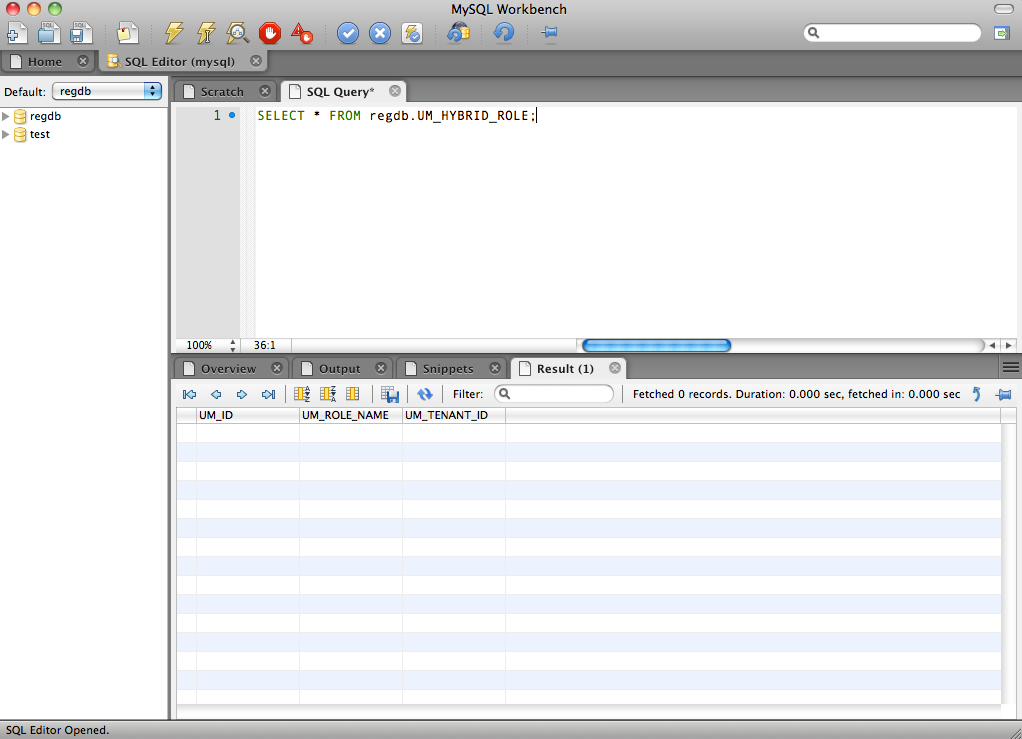
5. You can download MySQL Workbench for Mac OS X from here.